


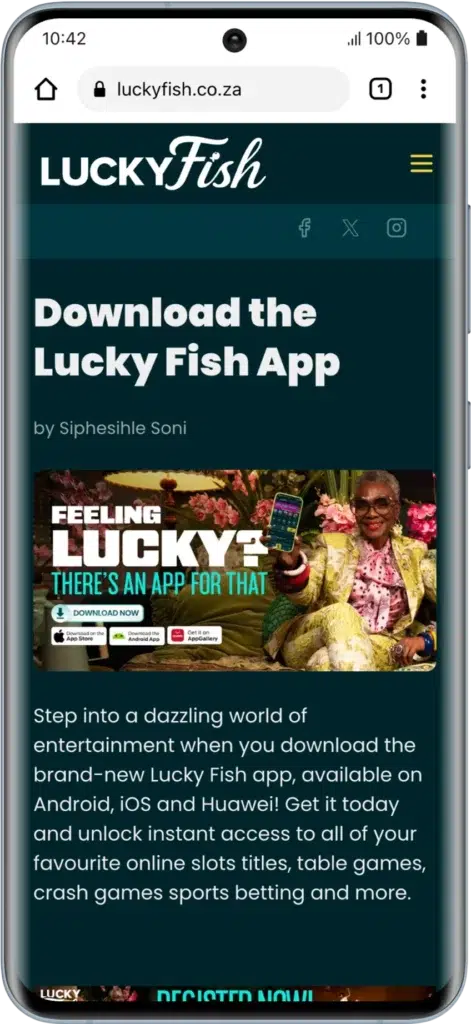
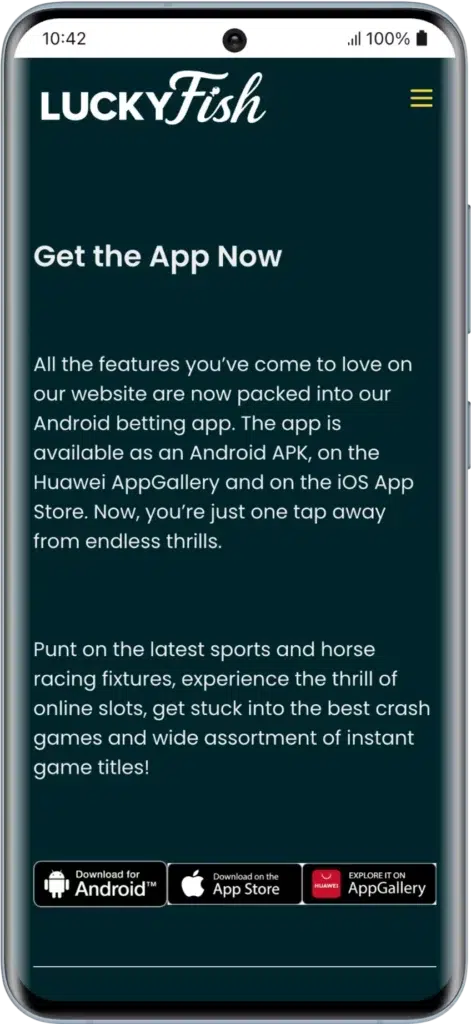
The Lucky Fish app is now officially available for Android, iOS, and Huawei devices, giving South African players more ways than ever to enjoy mobile betting. You can download the Android APK, install it directly from the iOS App Store, or access it via the Huawei AppGallery.
Lucky Fish System Requirements
Lucky Fish is now officially available on:
- Android APK
- iOS App Store
- Huawei AppGallery
iPhone users can now download the Lucky Fish app directly from the Apple App Store without needing to create a home screen shortcut.
Huawei users can install the app securely via the Huawei AppGallery marketplace.
| Specifications | Android (APK) | iOS App | Huawei AppGallery | Mobile Web |
|---|---|---|---|---|
| RAM | 2GB Minimum | 2GB+ Recommended | 2GB+ Recommended | 1GB+ Recommended |
| Version | Android 5.0 or higher | iOS 11.0 or higher | EMUI compatible | Any modern browser |
| Size | 36.4 MB | Approx. 40MB+ | Similar to Android | N/A |
| Compatible Devices | Samsung, Huawei, Xiaomi, Oppo | iPhone, iPad | Huawei Smartphones | All Smartphones |
How to Download Lucky Fish Android / APK App?
To enjoy the full mobile experience, you can download the Lucky Fish Android app directly from the official website.
Steps to Install the Android APK:
- Visit the Website – Go to the official Lucky Fish website.
- Locate Android Download – Tap the “Download for Android” button.
- Download APK – The file will download automatically.
- Allow Permissions – Enable “Install from Unknown Sources” in your settings (if prompted).
- Install – Open the file and tap “Install”.
- Login/Register – Use your Lucky Fish login details or create a new account.
Because gambling restrictions sometimes apply on Google Play, the official APK remains a reliable option for South African punters.
What Are the Lucky Fish Android System Requirements?
| Specifications | Android |
|---|---|
| App Size | 36.4 MB |
| Software Version | 5.0 or higher |
| Operating System | Android |
| Minimum Space Needed | 50 MB+ |
| Internet Connection | Stable Internet Required |
| Available on Play Store | APK via Official Site |
How to Download Lucky Fish iOS App?
Lucky Fish now offers a native iOS app available on the Apple App Store.
Installation Steps:
- Open the Apple App Store.
- Search for “Lucky Fish”.
- Tap “Download”.
- Install and open the app.
- Login or register.
The iOS app mirrors the Android version and provides full access to sports betting, casino games, deposits, and withdrawals.



What are the Features of the Lucky Fish App?
The lucky fish app provides real-time updates on a wide range of sports markets daily. We tested the interface and found that live odds update rapidly, allowing for quick bet placement on major events.
As a bookmaker rooted in the local industry, the app features extensive horse racing coverage with competitive odds.
The app includes a wide range of games, including the famous Aviator “crash” game and hundreds of slots from top providers. Our research shows that these games are perfectly scaled for mobile play.
Users can manage their funds directly through the app using local methods like Ozow, Zapper, and various Vouchers.
Lucky Fish Review
If you want to learn more about the operator’s licensing and overall performance, our detailed Lucky Fish review provides all the essential facts about their multi-board regulation and customer support.
In which Countries Is the Lucky Fish Mobile Betting App Available?
The Lucky Fish app is exclusively live and available for punters in South Africa. It is a legal and licensed bookmaker operating under South African gaming laws.
Is Lucky Fish Offering a Data-Free Version of the App?
While Lucky Fish provides a dedicated Android app for fast performance, they do not currently advertise a specific “data-free” mode for the entire application. However, their mobile site is designed with a “mobile-first” philosophy to ensure efficiency across all South African networks.
How to Register via the App?
Registration via the lucky fish app is extremely easy and can be completed in less than 3 minutes. After completing our registration on the site, we found that the mobile process is identical.
You simply need to provide your South African ID or passport and your mobile number for SMS verification. For a complete walkthrough of the requirements, visit our Lucky Fish registration guide.
Lucky Fish Welcome Bonus
All new users who create an account via the lucky fish app login are eligible for the welcome offer. Use the Lucky Fish Promo Code BETTFISH to claim:
- 100% first deposit match up to R1,000
- R50 bonus
- 50 free spins
A minimum deposit of R100 is required to qualify, and the bonus is subject to a 20x wagering requirement. The offer applies to the user’s first ever deposit and is available on Android, iOS, and Huawei app versions.
What is Our Review of the Lucky Fish App?
In conclusion, the lucky fish app is a reliable choice for South African punters. We rate the mobile experience highly for its simplicity and the inclusion of a generous no-deposit bonus.
Our expert advice is to download the Android APK to enjoy fast, intuitive performance on the go. We tested the platform’s stability and found it easy to navigate through sports and casino markets alike.
| ✅ Pros | ❌ Cons |
|---|---|
| Available on Android, iOS & Huawei AppGallery | Not available on Google Play in some cases |
| Faster performance than mobile browser | No live streaming currently |
| Quick login with saved credentials | No dedicated loyalty program |
| Secure and safe mobile banking | APK installation required for some Android users |
| Generous R50 no-deposit bonus | Limited advanced betting tools |
Mobile and App with Lucky Fish in South Africa – Our FAQs
How do I register with Lucky Fish on mobile?
Visit the site on your phone or app, click the “Join” button, and enter your South African ID and mobile details. The process takes under 3 minutes.
How do I install the Lucky Fish app?
You can now install the Lucky Fish app on Android, iOS, and Huawei devices for full mobile betting access.
Does Lucky Fish have an iOS app?
Yes. Lucky Fish now has a native iOS app available on the Apple App Store.
How do I reset my Lucky Fish account?
If you forget your lucky fish login password, you can use the “Login” section and select the password recovery option or contact customer support for assistance.